titleFontWeight
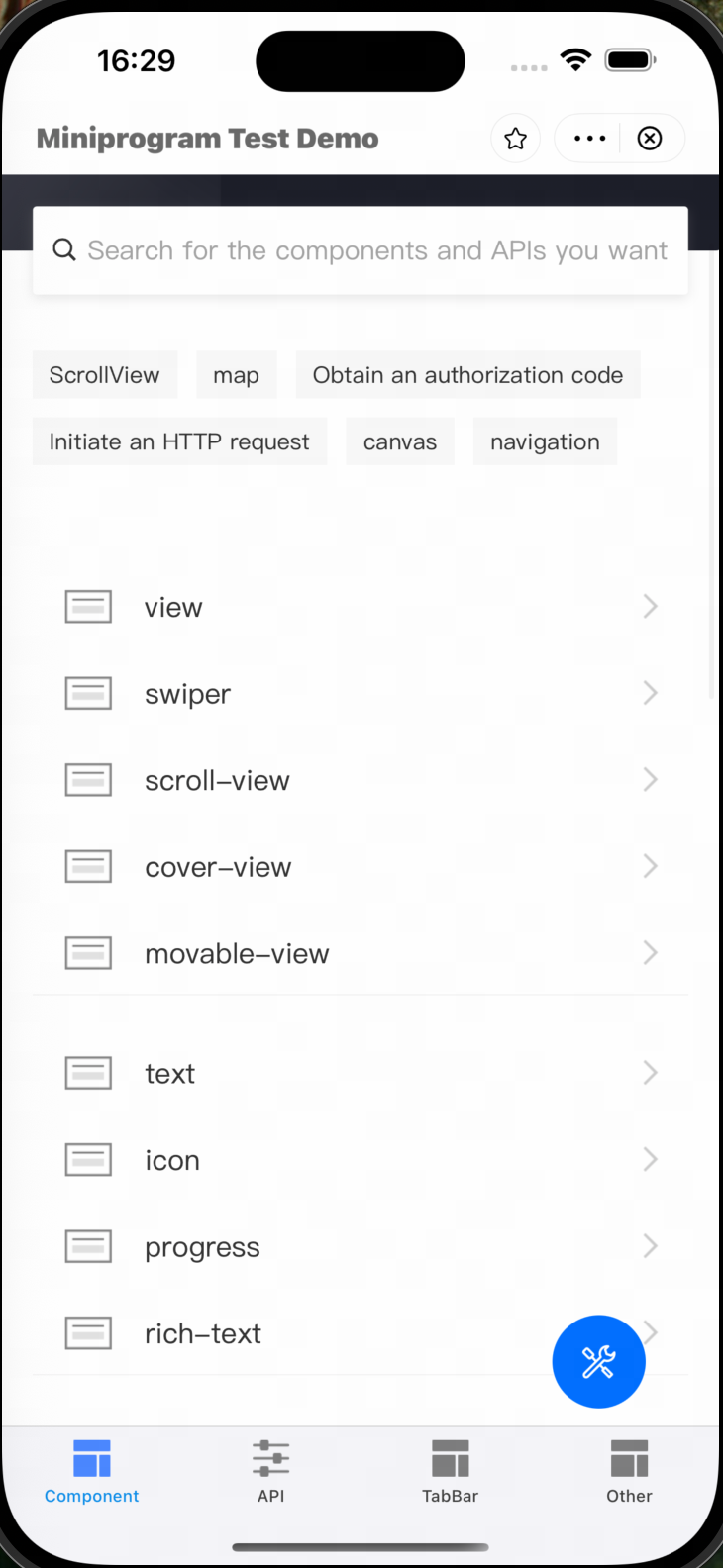
The titleFontWeight property is used to set the font weight of the mini program page title. By adjusting this value, you can control the thickness of the text displayed in the title bar.
Method signature
copy
var titleFontWeight: CGFloat
Parameters
Parameter | Data Type | Required | Description |
titleFontWeight | CGFloat | No | Specifies the font weight of the page title. Note: The value must be greater than or equal to Valid values:
|
Sample
copy
let param = GRVStartupParams()
param.titleFontWeight = 0.9

let viewController = try GRVAppContainerLaunch.sharedInstance().openApp(withUrl: url, startupParams: param)
let navigationController = self.navigationController ?? UIApplication.shared.windows.first?.rootViewController as? UINavigationController
navigationController?.pushViewController(viewController, animated: true)
User experience
For example, the following figure shows the title when setting titleFontWeight = 0.9.